

Health and family
Digital visual fatigue, also known as computer vision syndrome, is an increasingly common condition. Recognizing its symptoms and learning to fight it with simple exercises can make a big difference in visual well -being.

The constant use of computer and cell phones causes visual fatigue. (Free Press Photo: Shuttersock)
Visual fatigue is an ocular discomfort temporary caused by intensive use of the eyes. Although it may be due to various causes, such as prolonged reading or exposure to intense light, it is currently associated mainly with the use of electronic devices such as computers, tablets and mobile phones, says ophthalmologist Carlos Sandoval.
According to him American College of Optometristas (AOA)more than 50% of people who use computers experience visual discomfort related to fatigue. This condition does not cause permanent damage, but it can affect the quality of life and productivity.
Common visual fatigue signs
Being attentive to symptoms allows us to act before they aggravate. The ophthalmologist Sandoval mentions that among the most frequent signs of visual fatigue are:
- Dry or irritated eyes
- Blurred or double vision
- Frequent headaches
- Eye weighing sensation
- Difficulty focusing
- Eye redness
- Increased light sensitivity
These symptoms usually appear after long periods without visual rest, in spaces with inappropriate lighting or by the use of screens with too much shine or little resolution.
5 exercises to rest your eyes
The good news is that there are simple techniques that help reduce visual fatigue and keep your eyes in better conditions. Sandoval, together with the ophthalmologist Santiago Rivas, share some exercises to rest their eyes.
- Rule 20-20-20
Every 20 minutes, look something that is 20 feet away (about 6 meters) for at least 20 seconds. This short break allows eye muscles to relax. - Conscious flashing
When we wear screens, we blink less, which drys out. Do it consciously every few seconds, or try to close your eyes gently for 5 seconds and then open them. - Palm or palming
Rub the palms of your hands to heat them and glow them gently on the closed eyes, without pressing. Keep the position for 30 seconds. This exercise relaxes and generates a comforting sensation. - Alternate approach
Hold an object (like a pen) about 30 cm from your face. Focus it for a few seconds and then look at a distant point. Alternate the approach between the two for a minute. This helps strengthen the approach muscles. - Eye movements
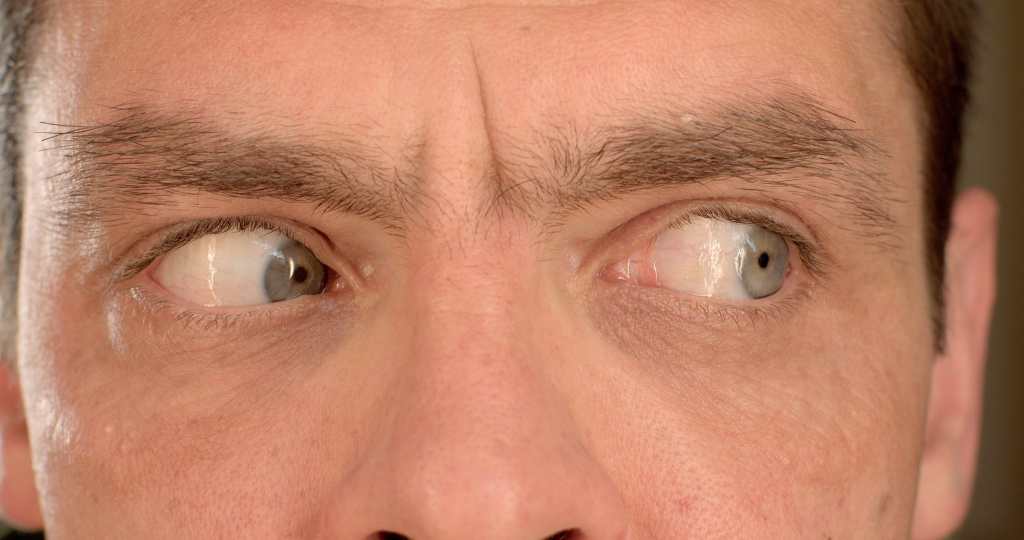
Sitting with your back straight, move your eyes slowly from left to right, after top down, and finally in circles. This exercise improves eye mobility and reduces tension.
In addition to the exercises, it is essential to adjust the work environment to take care of visual health. “Maintain good lighting, regulate the shine on the screen, adjust the size of the text and locate the monitor at an adequate distance (between 50 and 70 cm of the eyes),” says Rivas.
If the symptoms of fatigue persist or intensify, it is advisable to consult a specialist in optometry or ophthalmology. In some cases, lenses with blue light filter or specific visual corrections may be required.