

technology
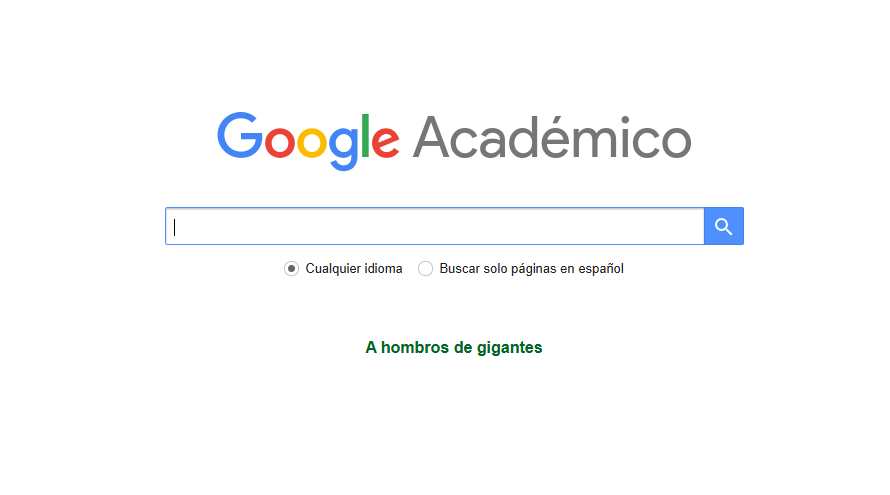
Academic Google is a tool that allows access to various useful materials to perform school tasks and other work.

Academic Google is an ideal tool for academic research (Photo Free Press: Freepik)
Have you used Academic Google on occasion? This tool provides various resources to students, teachers and academics.
Academic Google, also known as Scholar, is a search engine that allows access to academic documents, As articles, essays, thesis, books and summaries of different sources, including university editorials. According to international media, it was launched in 2005 as a site capable of indexing relevant academic publications.
In addition, it is possible to find information that comes from recognized sources, such as Professional associations, repositories, universities and other academic entitiesaccording to information from the University of Las Palmas de Gran Canaria.
According to data from said house of studies, the results are ordered considering the full text, the number of appointments received, the author, the source publication and other details.
What is the academic Google (Scholar) for?
This tool Allows you to search information using several sources at the same time. However, not all editors authorize Google to link their contents. For this reason, not all scientific and academic production will be available through this platform.
However, there are many resources that it is possible to obtain through Academic Google. This tool is especially useful for university students who end their degree thesis or any similar project.
Likewise, basic or diversified students can use this resource for their research tasks. In this sense, an ethical use of the platform is advised, since any student should avoid plagiarism in their research.
How to better take academic Google?
- Look for recent information. Academic Google orders the results for its relevance and not by date. To facilitate the process, modify the consultation option and, from the left sidebar, activate the “Order by date” option.
- Use the alert option. To follow up on a specific topic, activate this alternative. Go to the icon of the three bars, in the upper right, and click on “alerts”.
- If the topic is not so specific, use the references option. In this way, you will be able to look widely information on the subject.
- Look for author. Entering your name, you can find the corresponding bibliography to expand your research.